 Use Scorechain in ChatGPT
Scorechain is an approved ChatGPT connector. Connect it once with your Scorechain account via OAuth - no API key to copy or store - and then score addresses, trace fund flows, and run investigations right inside your chats.
- ChatGPT Plus, Pro, Business, or Enterprise.
- A Scorechain account with API access (app.scorechain.com).
1. Open Apps settings
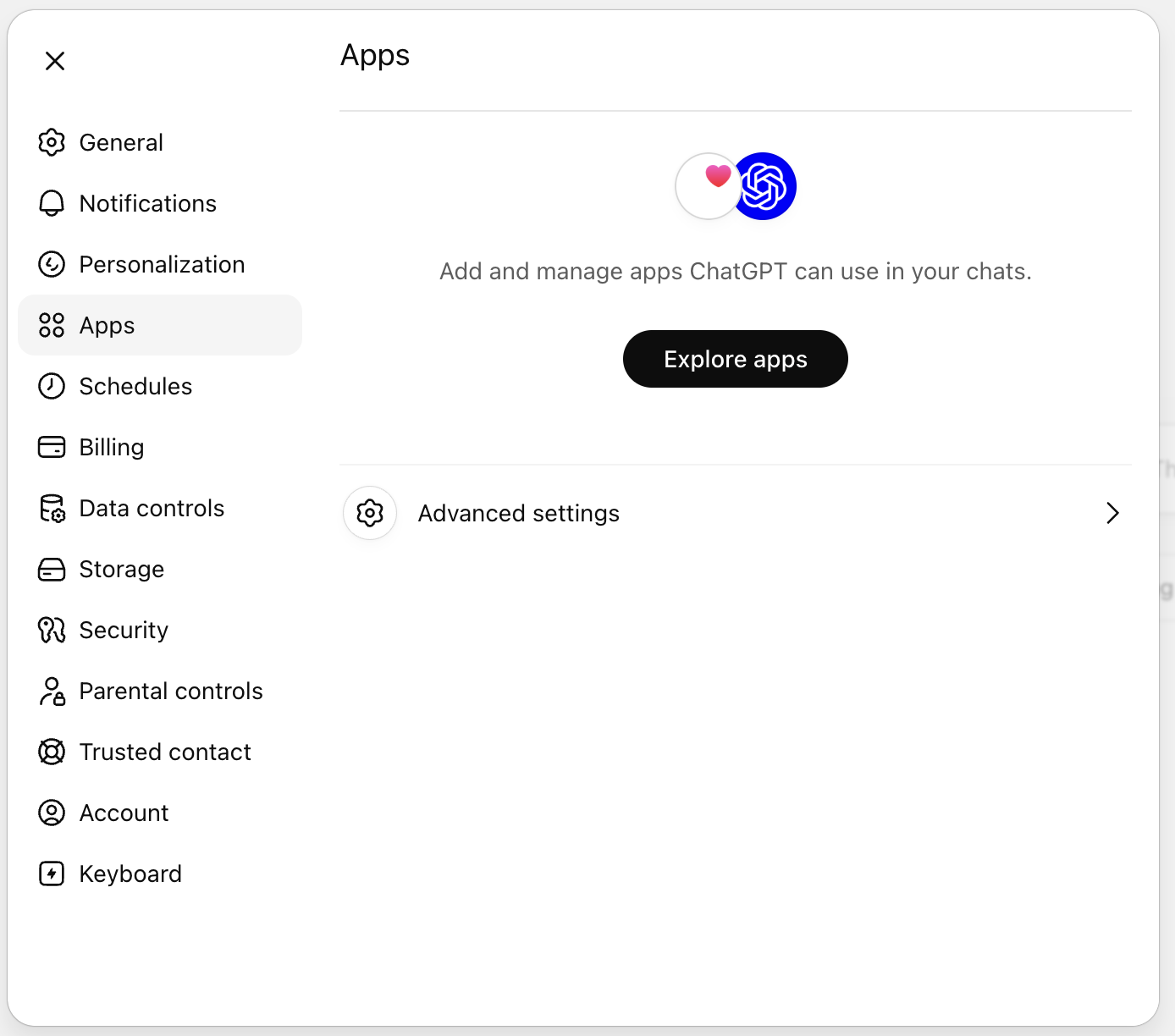
In ChatGPT, open Settings → Apps.
2. Find Scorechain
Search for Scorechain in the connector store and click Connect.
3. Sign in to Scorechain
ChatGPT opens a Scorechain sign-in page. Log in and approve access. ChatGPT receives a token scoped to your account, nothing to copy. The Scorechain app now appears under your connectors.
4. Use it
Start a chat, enable the Scorechain app from the composer's apps (+) menu if needed, and ask away:
- "Investigate this Ethereum address - full forensic analysis with fund flows and an interaction graph."
- "Screen this Bitcoin address for onboarding - should we accept or reject?"
- "Trace where the stolen funds from this TRON address ended up."
- "Analyze this address's exposure to mixers, darknet, and sanctioned entities."
Troubleshooting
Scorechain doesn't appear in the search results Make sure your ChatGPT plan is Plus, Pro, Business, or Enterprise. The connector store is not available on the Free plan.
Sign-in fails or loops Confirm your Scorechain account has API access, then try connecting again.
No tools after connecting Open the apps (+) menu in the message composer and toggle Scorechain on for the conversation.
For access, billing, or production issues: support@scorechain.com